In short
- Do not switch on or browse the device yourself.
- A forensic copy with a hash and a chain of custody is what gives evidence its value.
- The report explains the method, the findings and their limits.
The first reflexes
- Do not use the device: do not log in, open files or "have a look". Every action changes dates, logs and free space where deleted data may survive.
- Secure it: keep the computer, phone or drive in a safe place, with its chargers, and note who had access to it.
- Do not ask your IT team to copy the files: a normal copy loses metadata and has no evidential value.
- Talk to your lawyer, especially when an employee's devices or accounts are involved: privacy and labour law set the limits of what can be examined.
The forensic acquisition
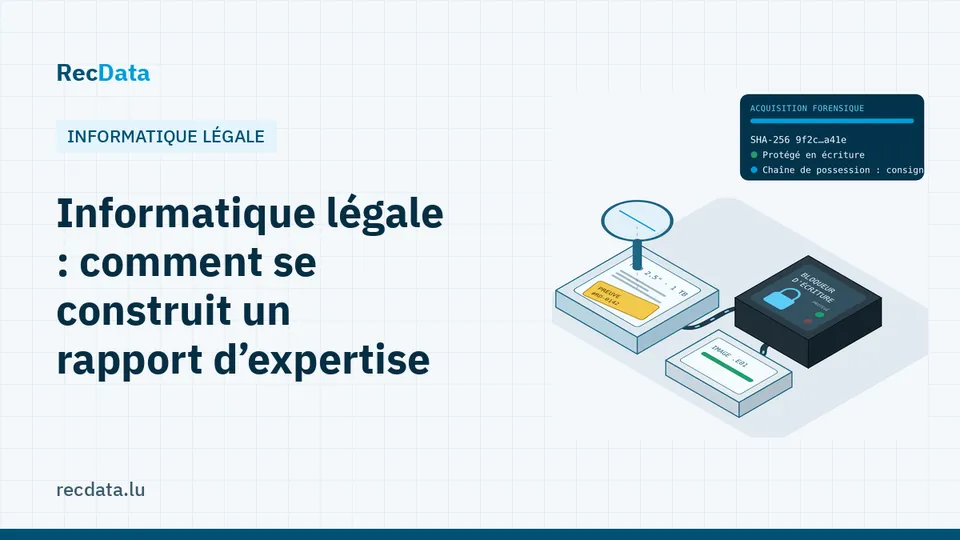
The examiner connects the storage through a write blocker, which makes any change impossible, and makes a bit-for-bit copy (an image). A digital fingerprint, the hash (for example SHA-256), is calculated for the original and the copy: if a single bit changes, the hash changes. Every step (who, when, where) is recorded in the chain of custody. All analysis is then done on copies.
For phones, the acquisition depends on the model and its encryption: a logical extraction of what the phone exposes, or a fuller extraction with specialised tools.
What the analysis can show
- Deleted files and emails, and when they were deleted.
- Timelines: when a document was created, opened, modified or copied.
- USB connections and cloud uploads, often central in data theft cases.
- Messages and app data, browser history, remote access traces.
- Malware or spyware on a computer or a phone.
The report
A good report states the questions asked, the devices received, the acquisition method and hashes, the tools used, the findings with their evidence, and the limits (what could not be determined). It is written to be understood by a judge, and the examiner can explain it in court.
See digital forensics and Ransomware attack: what to do in the first hours.
Frequently asked questions
Can a company examine an employee's computer?
A company device can be examined within the limits set by labour and data protection law, which usually require clear internal rules and proportionality. Check with your lawyer before the examination.
How long does an acquisition take?
Usually a few hours per device, on site or in the lab. The analysis and the report take longer, depending on the questions.
Official sources and useful links
- Grand Ducal Police: Filing a complaint, including online, and advice on cybercrime.
- Luxembourg Bar Association: To find a lawyer for a dispute or a complaint.
- Commission nationale pour la protection des données (CNPD): The Luxembourg data protection authority: data breach notification and GDPR guidance.
Is your data important?
Do not try anything that could make the fault worse. The diagnosis is free and you get a fixed quote before any work starts.