In short
- Bad sectors usually mean the surface or the heads are degrading.
- CHKDSK /r and 'repair' tools read the weak areas again and again.
- Copy your important files first, or have the drive imaged in a lab.
What a bad sector is
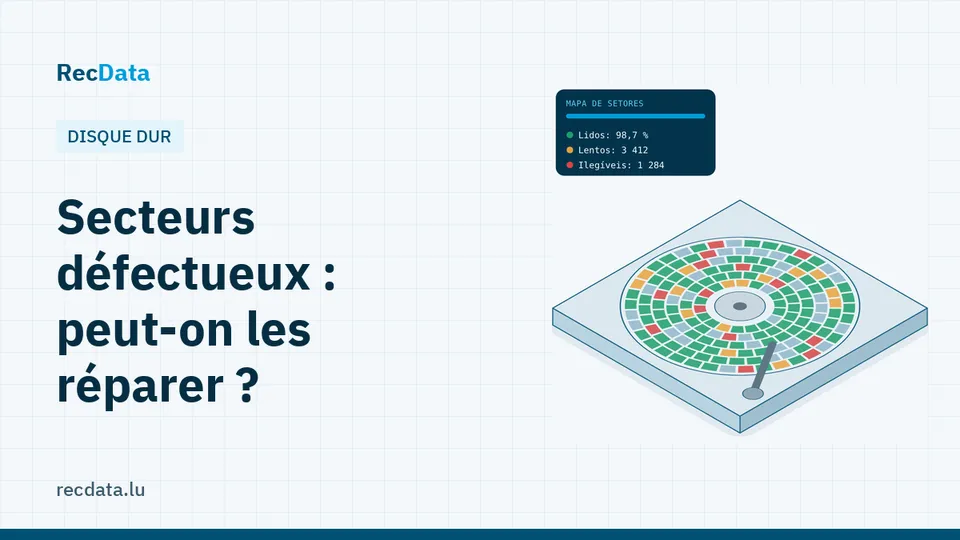
A hard drive stores data in sectors of 512 or 4,096 bytes. When a sector can no longer be read reliably, the drive marks it as pending, and later replaces it with a spare sector (reallocation). The SMART values to watch are Reallocated Sectors Count, Current Pending Sector and Offline Uncorrectable.
A few reallocated sectors on an old drive are normal. A count that keeps rising means the surface or the read heads are degrading, and the next failure is a question of time.
Why "repair" does not bring data back
- CHKDSK /r (or "Scan and repair") reads the whole surface, marks unreadable sectors as bad in the file system and moves what it can. On a weak drive, that full read can push the heads over the edge, and the files in the bad areas are lost or truncated.
- Low-level "regeneration" tools write over the bad sectors so the drive reallocates them. The data that was there is overwritten.
- Formatting with a full format does the same on the whole volume.
These tools can make a drive usable again. They do not recover data: they sacrifice it.
The right order
- Stop writing to the drive.
- If it is still fast and quiet, copy the most important files first, folder by folder, to another drive.
- If it is slow, freezes or makes noise, do not insist: each attempt reads the damaged areas again. In the lab, the drive is imaged once on hardware that skips weak zones and comes back to them gently, after replacing the heads in a cleanroom if needed.
- Only once your data is safe should you replace the drive. A drive with growing bad sectors should not be trusted again.
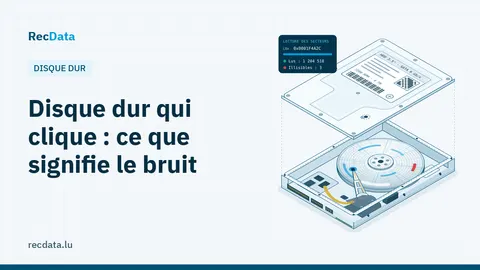
See Hard drive clicking: what the noise means and hard drive data recovery.
Frequently asked questions
Can bad sectors be fixed?
The drive can hide them by reallocating them to spare sectors, but the data that was in them is not repaired. A drive whose bad sectors keep increasing should be replaced.
Should I run CHKDSK on a drive with bad sectors?
Not before your important data is copied. CHKDSK reads the whole surface and can make a weak drive fail.
Official sources and useful links
- Microsoft Support: Official Windows help: Recycle Bin, File History, disk tools.
Is your data important?
Do not try anything that could make the fault worse. The diagnosis is free and you get a fixed quote before any work starts.