In short
- Check the lock switch on SD cards and the read-only attributes first.
- A stick or SSD that becomes read-only on its own is usually failing.
- Copy your files while it can still be read; do not try to force a format.
The simple causes
- SD card lock switch: the small slider on the side of SD cards (and of SD adapters for microSD). Slide it up, towards the contacts.
- A read-only attribute: in Windows, an administrator command prompt with *diskpart*, *list disk*, *select disk N* and *attributes disk* shows whether the disk is set to read-only. Check carefully which disk you select.
- A company policy that blocks writing to USB devices on your work computer.
- A file system with errors, which Windows mounts read-only to protect it. Try another computer.
When the device protects itself
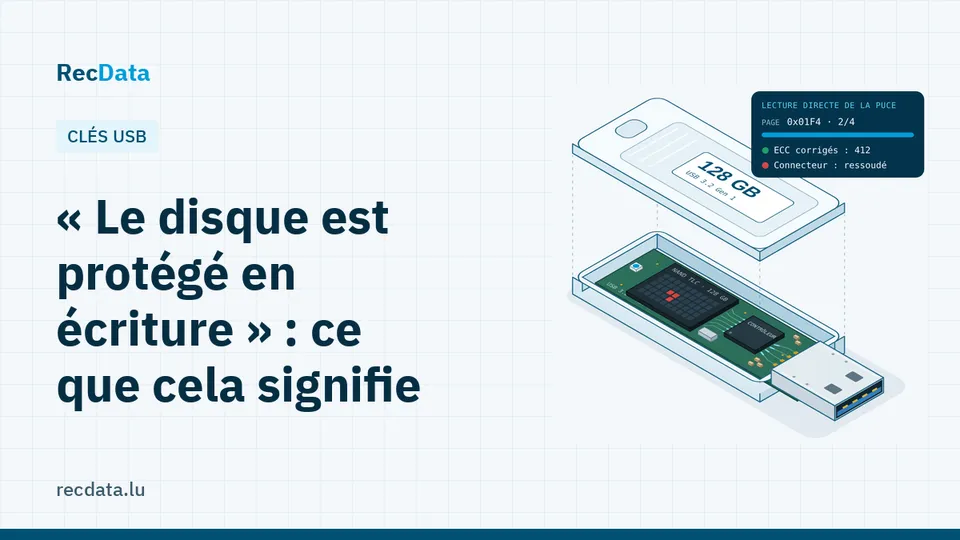
Flash memory (USB sticks, memory cards, SSDs) wears out with each write. When the controller detects too many failing blocks, it often switches the device to read-only for good, so that the data still in it is not lost. Formatting tools, diskpart commands and "write protection removal" utilities will fail, or make things worse.
The good news: in read-only mode, the data can usually still be read. Copy everything you need now, to another device.
When the files will not copy
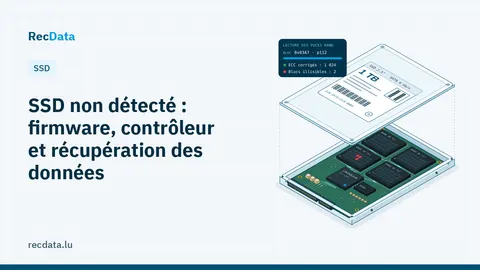
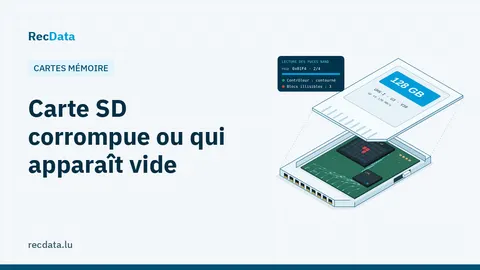
If the device disconnects, copies very slowly, shows 0 bytes or wrong sizes, or the files come back corrupted, the controller is failing too. In the lab, the memory chip is read directly, without the controller. See USB flash drive data recovery, SD card data recovery and SSD not detected: firmware, controller and data recovery.
What not to do
- Do not try one "unlock" tool after another.
- Do not format it, even if Windows suggests it.
- Do not keep using a read-only device as your only copy.
Frequently asked questions
Can a write-protected USB stick be repaired?
If the protection comes from a switch or a setting, yes. If the stick switched to read-only on its own, the memory is worn out: copy the data and replace it.
Is the data lost?
Usually not. Read-only mode exists precisely to keep the data readable. Copy it as soon as possible.
Official sources and useful links
- Microsoft Support: Official Windows help: Recycle Bin, File History, disk tools.
Is your data important?
Do not try anything that could make the fault worse. The diagnosis is free and you get a fixed quote before any work starts.